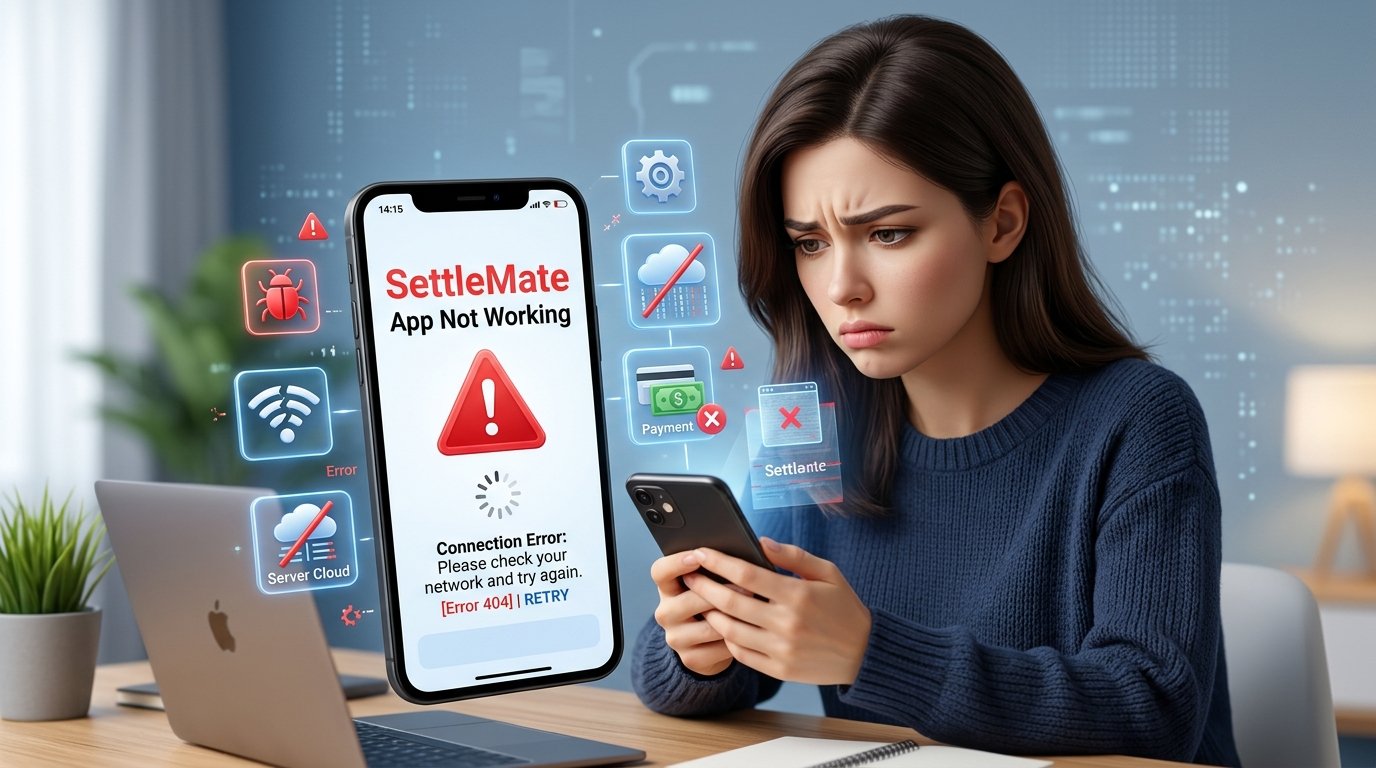
If the SettleMate app not working has you feeling stuck, you are not the only one. Lots of people open the app hoping to find money from old cases. Then the app crashes or will not let them in. Or the claim list stays empty. This still happens in 2026. A calm and clear guide can help a lot. Think of this as a kind teacher talking to a friend. We will go through the big problems one by one. We will see why the app freezes. We will see how login trouble starts. We will see what to do when claims will not show. We will check if the app was taken away from the stores. We will look at what data the app takes. And we will see when it is time to ask for real help. Every part uses easy words so you can try the fixes yourself and feel better.
The SettleMate app not working problem matters because the app is made to look for money you might already get. When the app fails, that chance feels gone. A good internet line helps. A new app version helps. A few careful checks often bring the app back. Let us begin with the first problem many people meet.
Common Issue #1: App Crashing or Won’t Open
One of the first things people see is that the SettleMate app not working shows up as a sudden close. Or a blank screen that never moves. Picture your phone like a busy desk. When too many papers pile up, the desk tips over. The same thing can happen inside the app if old files sit there or if the connection is weak.
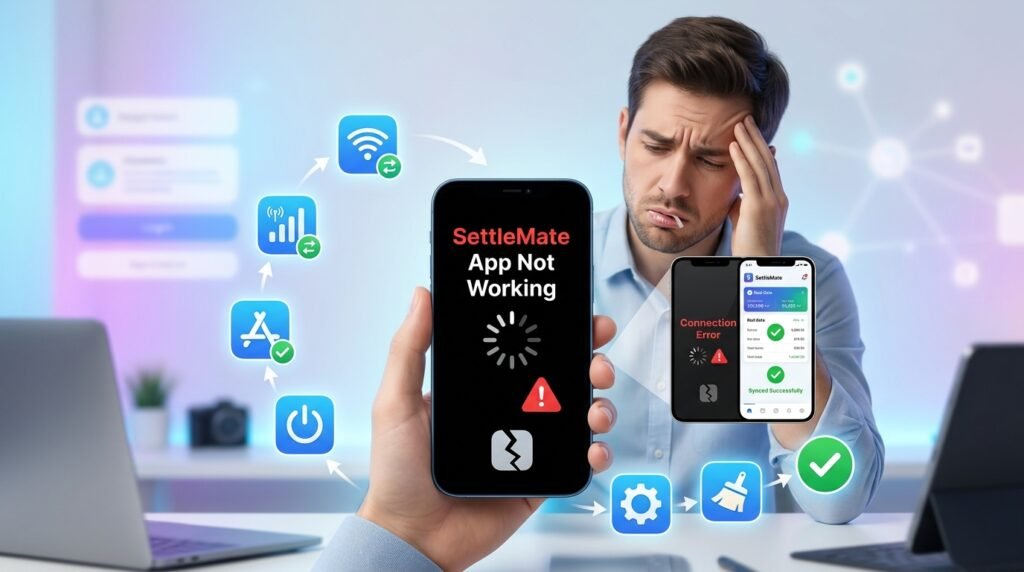
Start by checking your internet. Turn Wi-Fi off and then turn it on again. Or switch to mobile data for a short time. A weak signal can stop the app from loading its first page. Next, look for an update. Open the App Store or Google Play. Search for SettleMate. See if a button says Update. Tap that button. It brings the newest fixes the makers put in during 2026.
If the app still crashes, try a soft restart of your phone. Hold the power button. Slide to turn the phone off. Wait ten full seconds. Then turn it back on. This clears temporary blocks. It does not take away your account. On an Android phone you can also clear the app’s cache. Go to Settings. Find Apps. Choose SettleMate. Tap Clear Cache. The app keeps your login. It just removes the clutter that may have caused the freeze.
Sometimes the problem is simply that the phone’s storage is almost full. Free up space by deleting old photos or apps you no longer use. After that, open SettleMate again. Most people find the app opens smoothly once these small steps are done. If it still fails, move to the next common trouble.
Think about a real day. You sit down after work. You want to check for new claims. The app opens for one second and then closes. You feel annoyed. You try the internet check first. Then you update. Then you restart the phone. Suddenly the app stays open. That small win feels good. Keep these steps in order. They work for many phones in 2026.
Common Issue #2: Login and Account Issues
Another big reason the SettleMate app not working appears is a login wall that will not let you in. You type your email. Or you try Google or Apple sign-in. Then an error message about authentication pops up. This feels like standing outside a locked door with a key that suddenly does not fit.
First make sure the email and password are typed the right way. Even one capital letter in the wrong place can block entry. If you use Google or Apple to sign in, sign out of those services on your phone. Then sign back in. After that try SettleMate again. Many people also clear the app data or reinstall. Uninstall the app. Restart the phone. Download it fresh from the store. Your subscription usually stays linked to the same account. So you should not need to pay again.
A common report in 2026 is that the app logs users out after an update. Then it refuses the old login. Reinstalling almost always restores access. If you live outside the United States, remember that the app may accept your sign-up. Later it asks for a U.S. address. That is not a login bug. It is a rule of the settlements themselves. In that case the login works, but the rest of the app stays limited.
Keep trying the simple resets before you worry that the account is gone. Most login blocks clear with a clean install and a steady connection. Picture this. You paid for a full year. One morning the app says you must make a new account. You feel worried. You uninstall. You reinstall. You sign in with the same email. The old plan comes back. The worry goes away. That is how it works for many people.
Take your time with each step. Write down the email you used when you first signed up. Keep it safe. That one detail helps a lot when the login wall appears again.
Common Issue #3: Claims Not Loading
When the SettleMate app not working shows an empty list of claims or endless spinning circles, it can feel like the tool has stopped looking for money. Think of the claim list as a mailbox. Sometimes the mail truck is delayed. Or the box needs a little shake.
Start by pulling down on the screen to refresh. Many users forget this simple motion. Next check the date. Settlements open and close on fixed court times. So a claim that was there last week may already be finished. The app only shows open ones.
Make sure the app has permission to use the internet. If you linked an email, check that the link is still active. Go into the app settings. Reconnect your inbox if the option appears. A broken email link can stop new claims from appearing. Also look at your location setting. Some claims need a U.S. address. The app may hide them if it cannot confirm one.
In 2026 the makers have made the list refresh better. But a full reinstall still helps when the screen stays blank. After reinstalling, sign in. Wait a few minutes for the list to fill. Patience helps because the data comes from outside servers that sometimes move slowly.
Here is a simple story. You open the app after breakfast. The list is empty. You feel the chance for money is gone. You pull down to refresh. Nothing changes. You check the email link. You reconnect it. You wait five minutes. Suddenly three new claims appear. One of them matches a purchase you made last year. That moment feels bright. The empty list was only temporary.
Always give the app a little time after you fix the link. The servers need a moment to talk to each other. That short wait often brings the claims back.
Is SettleMate Banned or Removed from App Stores?
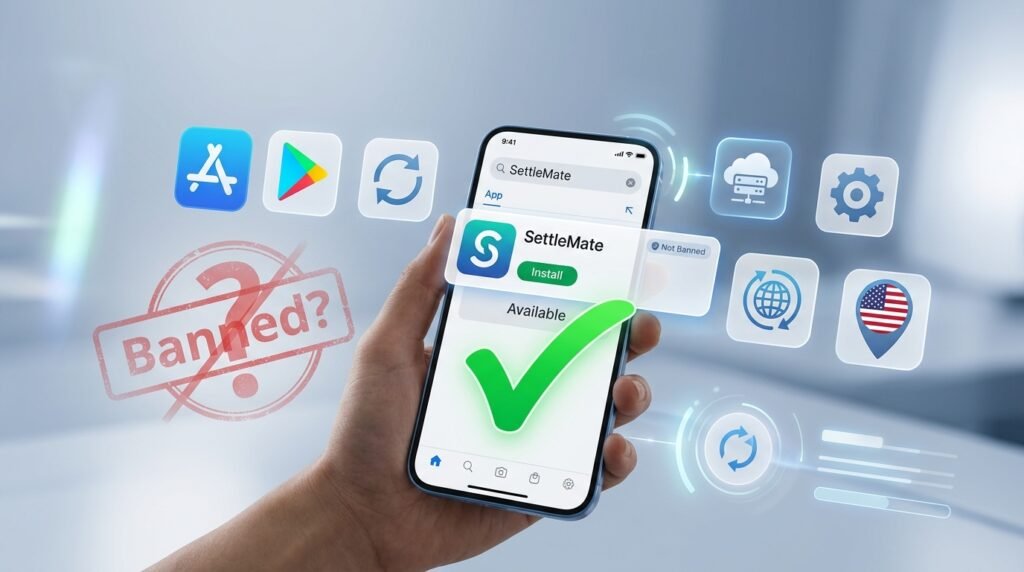
Many people ask why is SettleMate app not working and then wonder if the app was banned or taken off the stores. The short answer is no. As of mid-2026 the app remains available on both the Apple App Store and Google Play. It shows under names such as Settlemate: Class Actions or Settlemate: Claim Savings. You can still search for it. You can still read ratings. You can still download it.
Some older listings look archived because the company updates the title or moves features. But the main app continues to get bug fixes. It stays listed. It has not been removed for breaking store rules. What does happen is that people outside the United States download it. They pay the subscription. Then they learn that most class-action payouts need a U.S. address. That feels like a ban. Yet it is simply a legal limit set by the courts that run the settlements. The app itself stays on the shelves for anyone who wants to try it.
If the app disappears from your store search, check that your phone’s region settings match a place where the app is offered. A quick change and refresh usually brings it back. In short, SettleMate has not been banned or pulled for safety reasons. It is still there for U.S. users who meet the address rules.
This point brings peace to many. You do not need to fear that the whole app vanished overnight. The stores still carry it. The makers still update it. The limit is only about where the money can be sent. Knowing that fact helps you decide if the app fits your life.
Privacy Policy — What Data It Collects
Understanding the privacy side helps you decide how much of your information to share when the SettleMate app not working is fixed and you log back in. The company says it collects the name, email, phone number, postal address, and date of birth you give during sign-up. These details help create your account and fill claim forms.
If you allow it, the app can also read certain emails in your inbox. It looks only for purchase receipts, shipping notes, and settlement notices. The makers say they never sell the message bodies. They use the data only to find matching claims. Device information such as IP address, phone type, and crash logs is also gathered so the app can run better and stay safe.
You can disconnect the email link at any time inside the settings. You can also ask the company to delete your data by writing to their support address. The privacy page makes clear that the goal is to match you with open settlements. It is not to build advertising profiles. Reading the full policy before you connect an inbox is a smart habit. It lets you choose exactly how much access to give.
Think of your inbox like a closed drawer. You open it only when you want. You can close it again any day. That control stays with you. Many people feel safer once they know they can turn the link off. The app still works for basic claims even without the full email scan. You decide what feels right for your own privacy.
When to Contact Official Support
Most everyday problems with the SettleMate app not working can be solved with the steps above. Contact support when the same error keeps returning after you have updated, restarted, cleared cache, and reinstalled. Also write if your paid subscription will not unlock the features. Or if a claim you already filed never shows any status change after many weeks.
The official way is an email to support@settlemate.io. Include your account email. Include the phone model. Include the exact error message. Include a short description of what you already tried. The company says they aim to answer within one day. Keep a copy of your email so you can follow up if needed. Avoid sharing passwords or full bank numbers in the first message. Support can guide you on the next safe step once they see the details.

Writing early saves time. A clear note often unlocks a fix that the public help pages do not yet list. Picture yourself sitting at the kitchen table. You have tried every step. The app still will not open. You write a short email with all the facts. The next day a reply arrives. It tells you one extra setting to change. The app works again. That simple letter made the difference.
Always be polite and clear in the email. List the steps you already took. That helps the support person help you faster.
Frequently Asked Questions
Why does the SettleMate app keep asking me to update even after I just updated it?
Sometimes the store shows an older version for a few hours. Wait a little. Restart the phone. Check the store again. A second update usually appears and finishes the job.
Can I use the SettleMate app if I live outside the United States?
You can download and open it. Yet most settlements need a U.S. mailing address for payouts. The app may let you pay the subscription before it shows this limit. So read the screens carefully.
What should I do if my subscription is active but the app still blocks me?
Reinstall the app. Sign in with the same method you used to buy the plan. If the block continues, email support with your purchase receipt so they can check the link.
Does the app store my bank passwords?
No. When you connect a bank through a partner service, only limited purchase details come across. The full login stays with the bank partner. It is not kept on SettleMate servers.
How long do claims usually take to show a payout?
The app only starts the claim. The real money comes from the court or company that runs the settlement. That can take three to twelve months or longer. The app cannot speed up the court clock.
Is there a way to see claims without paying first?
The free version shows a limited preview. Full lists and filing help sit behind the subscription. You decide if the preview is enough before you buy.
What happens to my data if I delete the app?
Deleting the app removes it from your phone. But the account and data stay on the company’s servers until you ask them to erase everything. Send a deletion request to the support email if you want a full wipe.
Can I get a refund if the app never finds claims for me?
Refunds are handled by Apple or Google, not directly by the app. Contact the store first. Then write to support so they can note your case. Results depend on the store rules and how long you have used the service.
Final Thoughts
Facing the SettleMate app not working can feel discouraging. Yet most of the common blocks have simple, everyday fixes. A fresh update helps. A clean reinstall helps. A steady connection helps. A clear email to support solves the rest of the cases. Keep the steps calm and steady. It is like sorting a messy drawer one item at a time. Once the app opens again you can check the claim list. Then you decide what feels right for you. Remember that settlements move on their own court schedules. So patience stays part of the process. You now have a clear path forward. That knowledge itself brings a bit of peace. Try the fixes that match your situation. You may find the app ready to help again.
You have learned the main reasons the app stops. You have the tools to start it again. Take one step today. Check the internet. Look for the update. Restart the phone. Small actions add up. Soon the screen that once stayed blank may show new claims. That is the quiet win many people reach after they follow these easy steps. Keep the guide nearby. Return to it any time the app acts up again. You are ready.
Disclaimer
This article is for general information only. It does not constitute legal, financial, or technical advice. App features, availability, pricing, and policies can change at any time. Always check the official SettleMate website, the App Store or Google Play listing, and the current privacy policy for the most accurate details. The author and publisher assume no responsibility for any actions taken based on this content or for any losses that may result from using the app.